

How is CoCan charging right now?
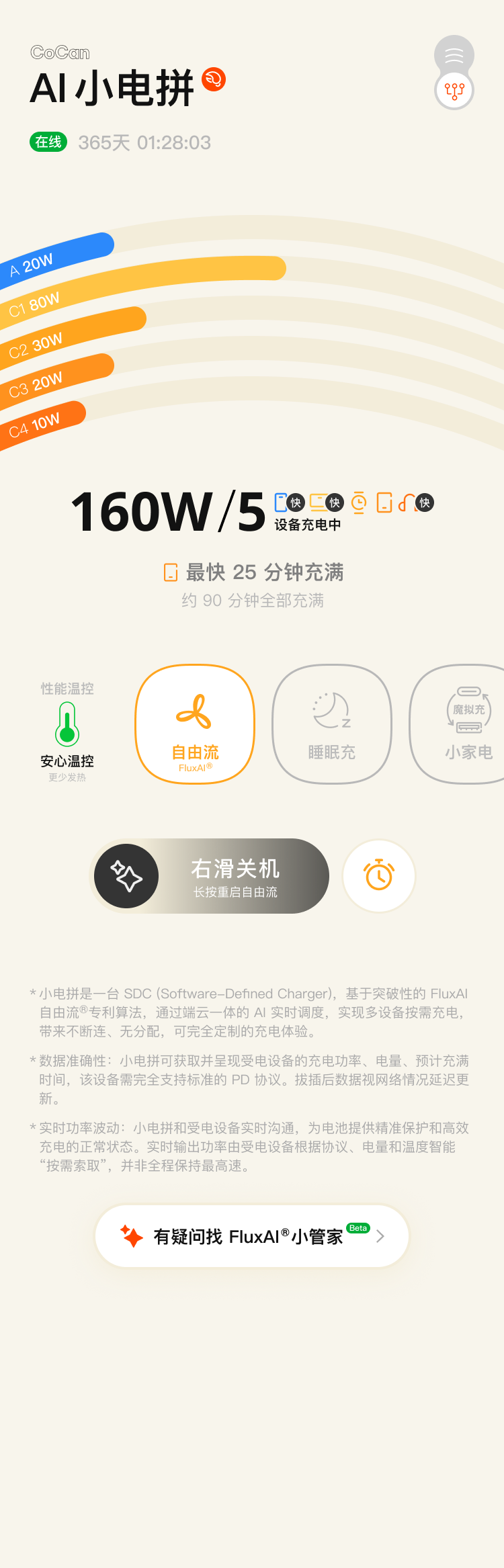
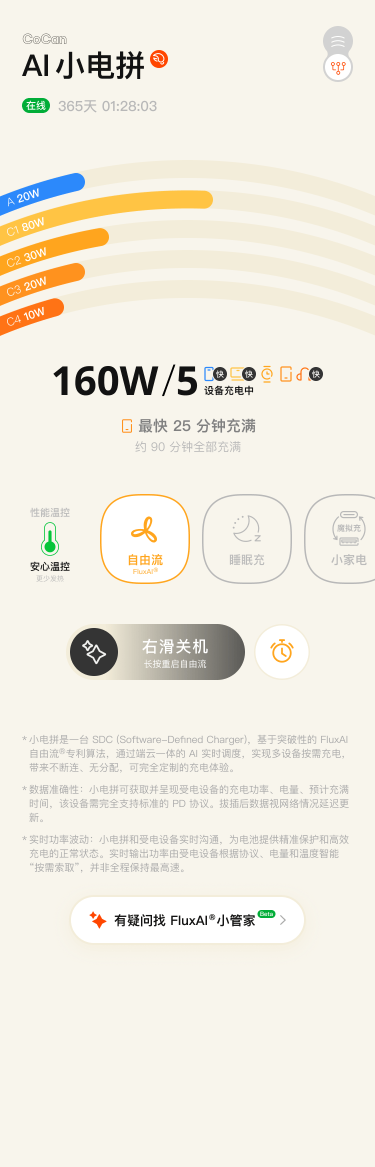
160W/5
5 devices charging
First to finish 25 min Five ports, sharing the full 160W.
Pick today’s way to charge
Active FluxAI® Demand-led power, reclaimed live
CanOS 2.0 · FluxAI®
Every watt finds its way.
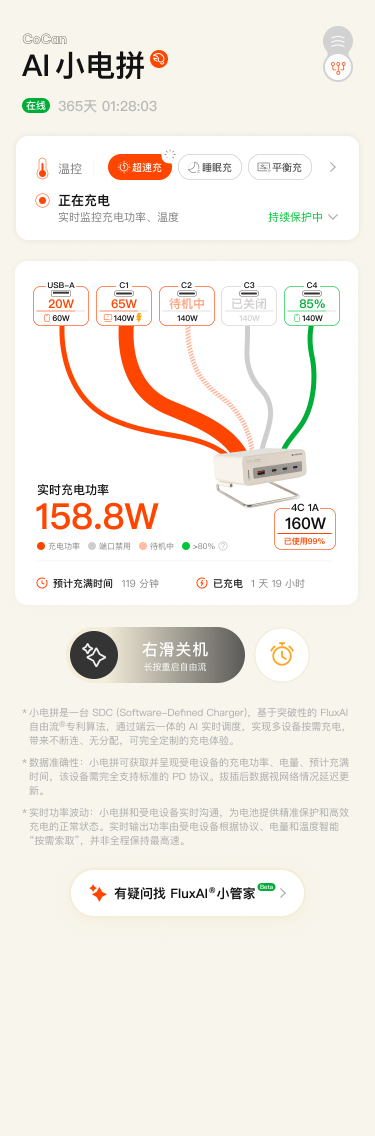
Simple View brings the whole charger into one glance: what is charging, how much each device draws, and which one will finish first. Colour maps each stream to a port; length follows live output.
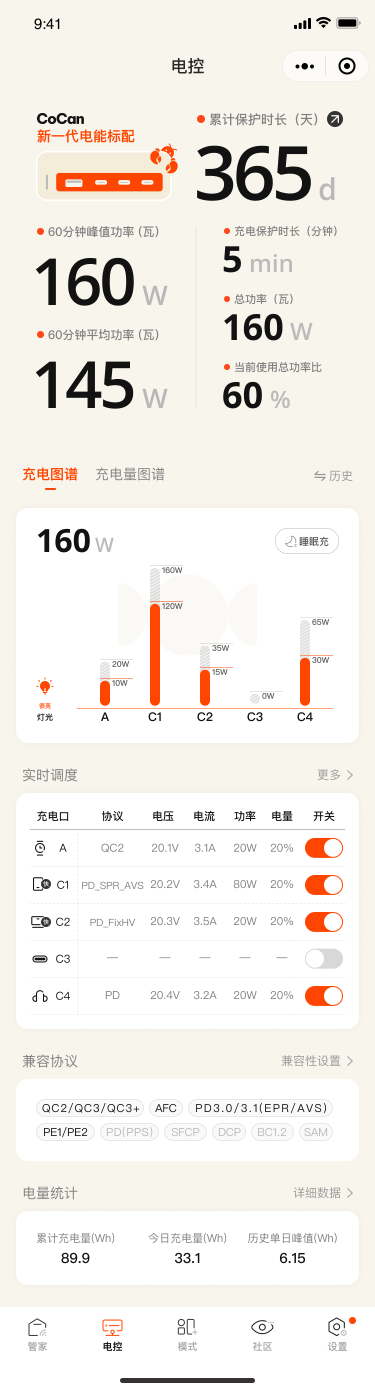
Switch to Pro View for port power, device state, protocol, cable capability, and remaining headroom. FluxAI® keeps reclaiming idle capacity and sends it where demand is higher, without dropping the link.
Five ports, sharing the full 160W. Demand keeps moving. Allocation keeps up.
Charging Modes
Choose how today charges.
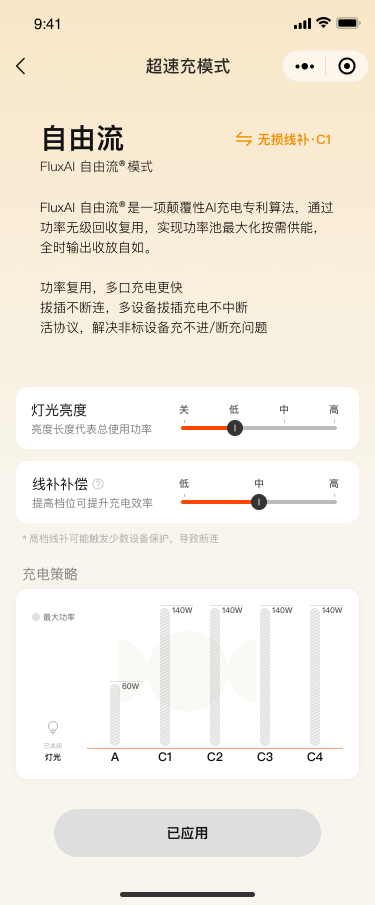
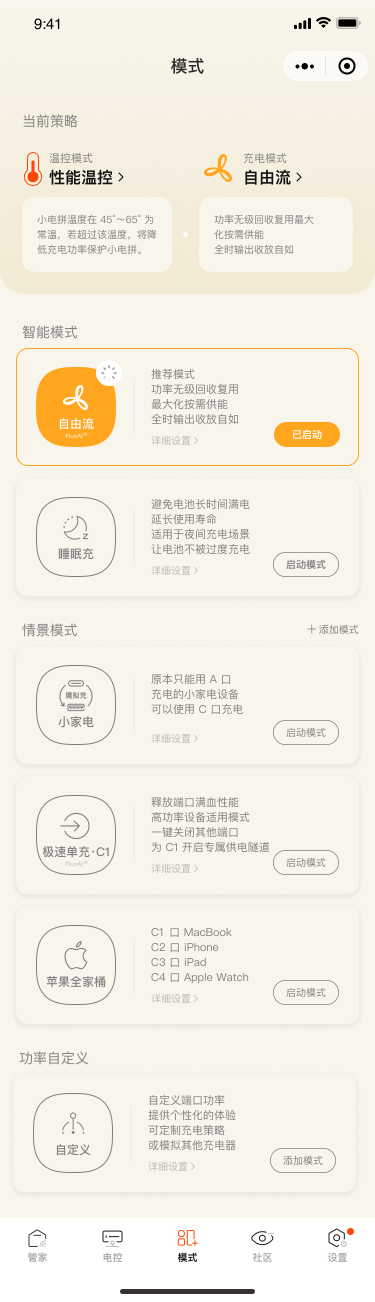
FluxAI® for every day. Sleep Charge after dark. Choose the moment, and charging falls into place.
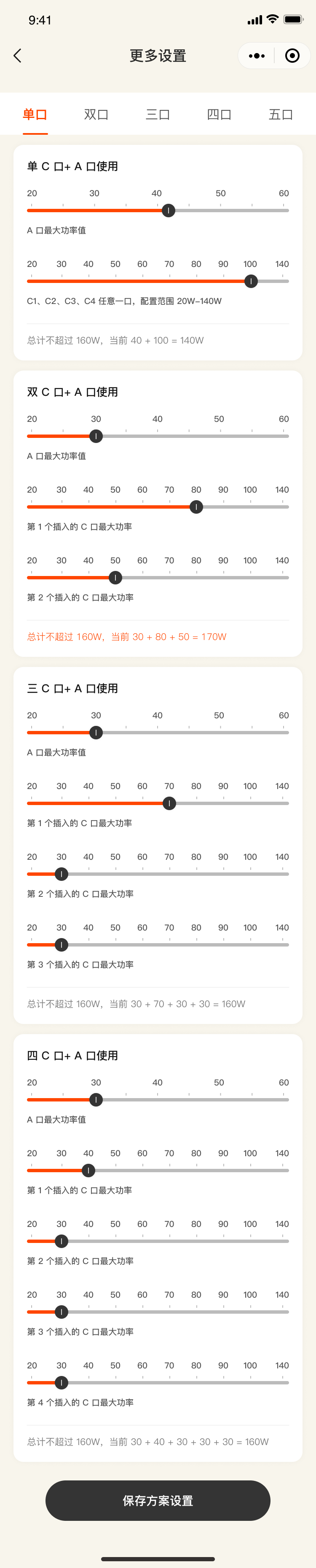
In a hurry? Focus power on the laptop. Turning in? Charge more gently overnight. Have a small device that is fussy about power? Give it the profile it needs. Or build your own strategy and save it as a custom mode.
Pick today’s way to charge
Vertical charging-mode list. FluxAI® is selected, with Sleep, Appliance Mimic, C1 Solo Turbo, Apple Lineup, and Custom modes available.
View details
FluxAI®
Demand-led power, reclaimed live
- Power allocation
- Power on demand
- Temperature
- Continuously monitored
- Port connection
- Held throughout
Choose for now. Learn from the record.
0%
Updating
Please note:
- The app is unavailable during the update
- Charging is paused for safety. Unplug all devices from CoCan
- A high device temperature can stop the update
- The update takes 2–10 minutes. CoCan restarts when it finishes
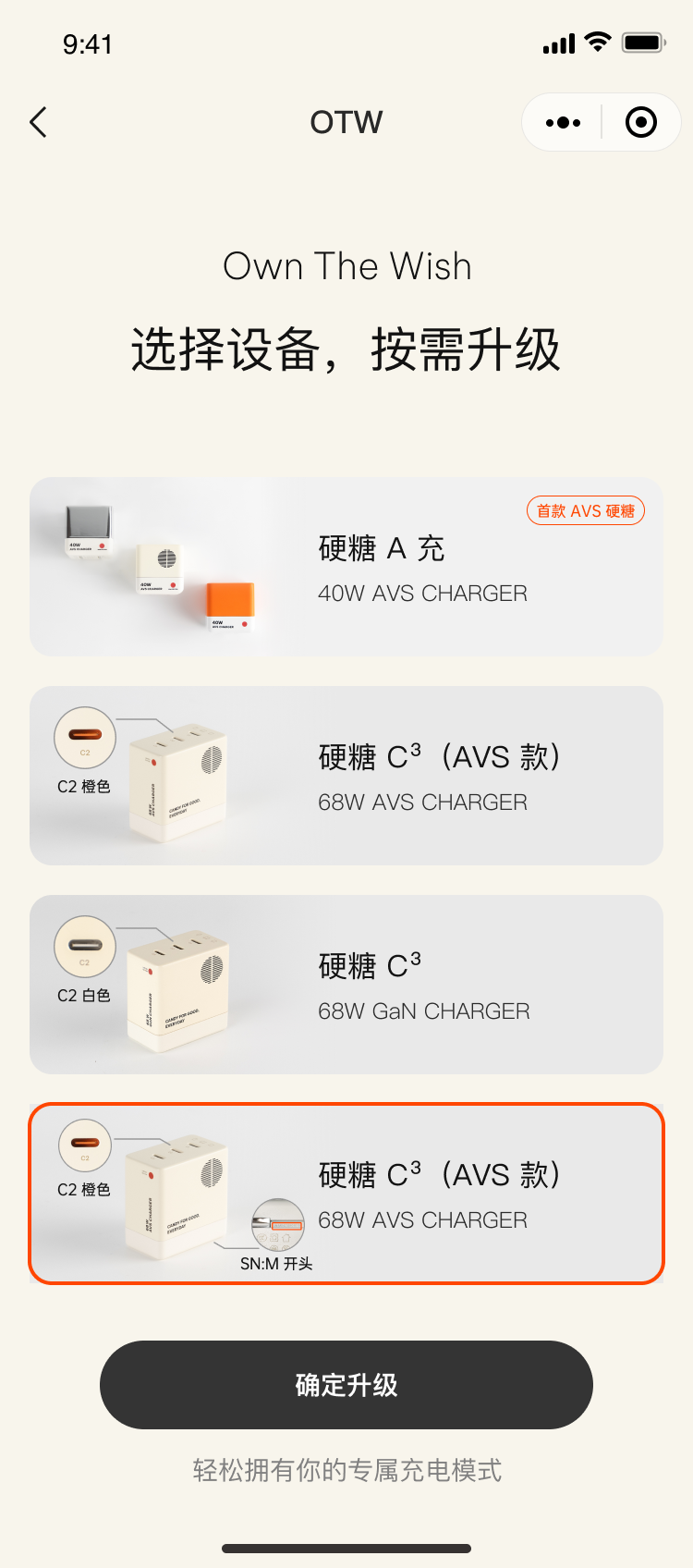
Full-stack OTA · Keeps evolving
The day it comes home is only the beginning.
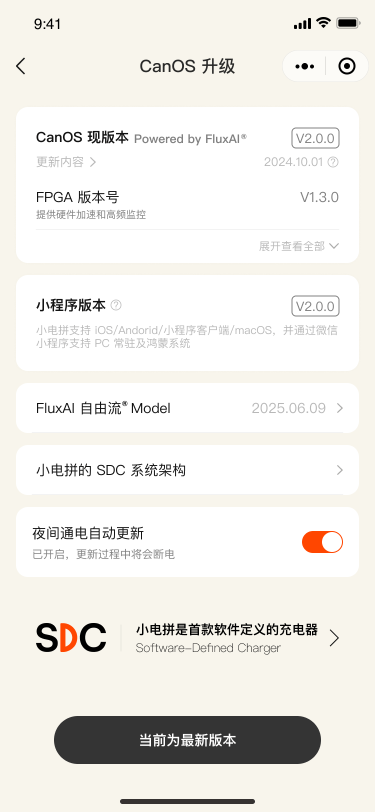
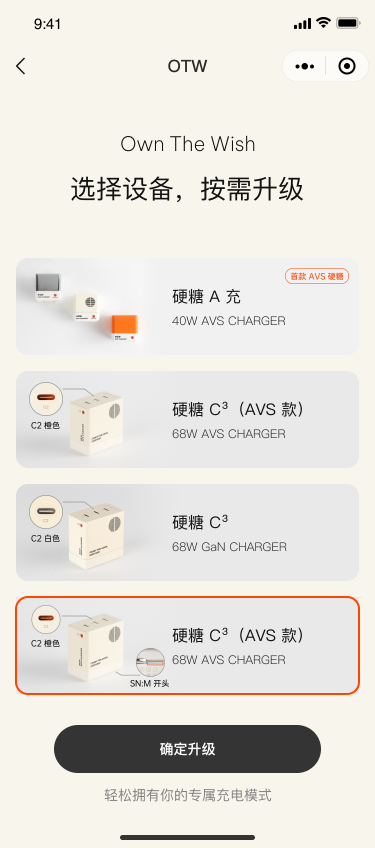
From the interface and app firmware to fast-charge protocols, protocol-chip firmware, and FPGA logic, every layer of CoCan has a path forward.
One full-stack OTA can update the entire software and hardware stack. Devices change. Standards change. CoCan on your desk can keep evolving.
PD 3.1 → PD 3.2, AVS, and UFCS 2.0 have all reached chargers already in use over OTA. Once the update is complete, CoCan restarts automatically. On the next connection, the new capability is ready.
OpenClaw · MCP Service
Let your AI take control of CoCan.
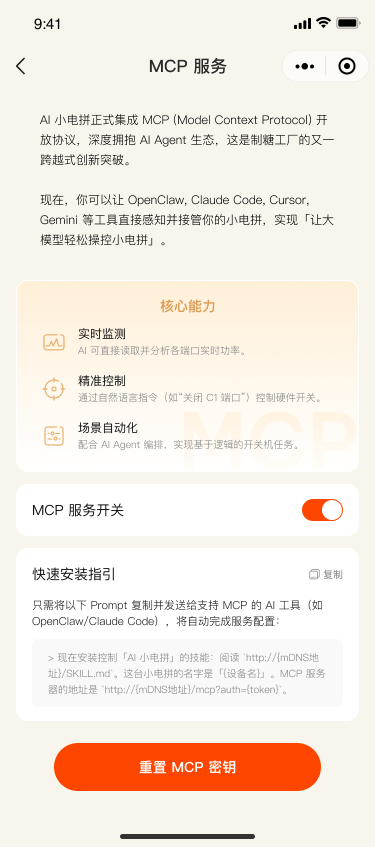
AI CoCan now supports the open Model Context Protocol (MCP), connecting with AI agents including OpenClaw, Hermes, Claude Code, and Codex. They can read live port and charging data, call device capabilities, and schedule power — so an LLM can sense and control CoCan directly.
OpenClaw agent
CoCan MCP service
Model thinking
CoCan MCP called
OpenClaw reads CoCan charging status through its MCP service. The conversation shows five ports, about 97.7W total output, and each port's status, device, protocol, live power, and temperature.

App · Full Control
More to discover.
Protocol control, charging modes, schedules, full-stack OTA, OTW Cloud Bridge updates, live power, and charging maps. CoCan brings every advanced control together for a charging experience unlike any other.
Solid bars show live output; pale outlines show port capability. Height follows device demand.
More to discover.
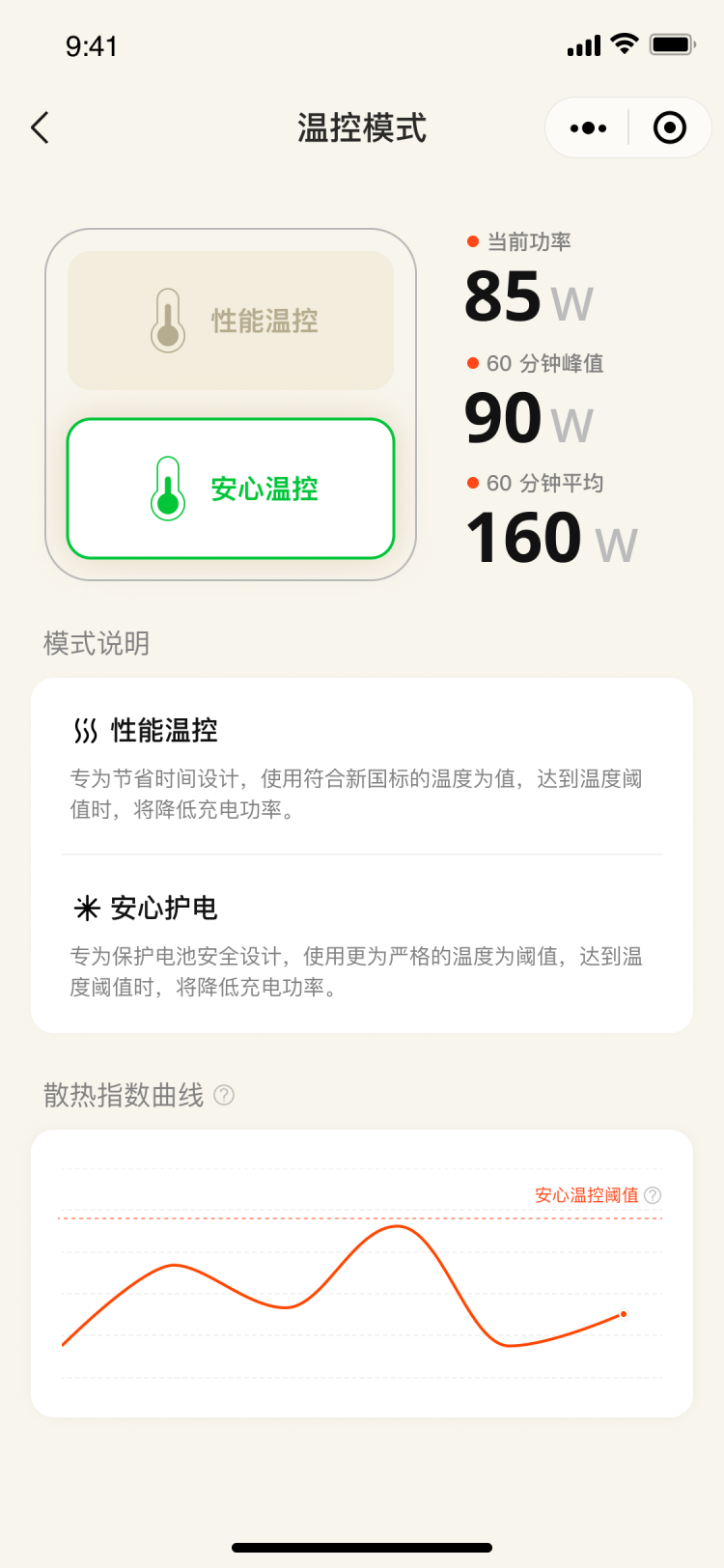
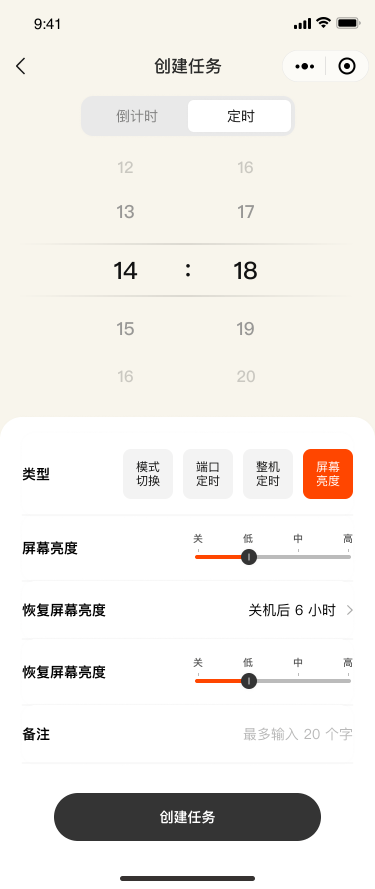
Three scrolling columns of CoCan app screens show charging modes, protocol management, OTA, schedules, MCP, and custom controls.
| Port | Live output | Rated ceiling |
|---|---|---|
| A | 10W | 60W |
| C1 | 120W | 140W |
| C2 | 10W | 140W |
| C3 | 0W | 140W |
| C4 | 20W | 140W |